Free shipping and returns on all orders above

Key Features
300W Total Output Power
Offers 300W max output across two USB-C and one USB-A port, keeping two MacBook Pros running at full speed.
140W Max Fast Charging
Delivers up to 140W high-speed output for fast laptop charging when connected to a 5A cable. Power a MacBook Pro (M4 Pro) to 50% in 27 minutes or an iPhone 16 Pro to 50% in 26 minutes.
Recharge at Top Speed
Anker’s first power bank to support 250W max of input power using both USB-C ports. Recharge to 100% faster than ever, making it ideal for high-use, fast-turnaround situations.
Huge Power That’s Ready to Fly
Delivers 26,250mAh (99.75Wh) of TSA-approved capacity to charge a MacBook Pro (M4) up to 0.8 times.
Smart Display and App Control
Provides detailed charging information of the power bank and charging base, and allows manual adjustments of output power on the APP.
What You Get
Anker Prime Power Bank (26K, 300W), USB-C to USB-C charging cable, travel pouch, welcome guide, 24-month warranty, and our friendly customer service.
Note: Data based on internal lab testing. Actual performance may vary depending on specific conditions of use.
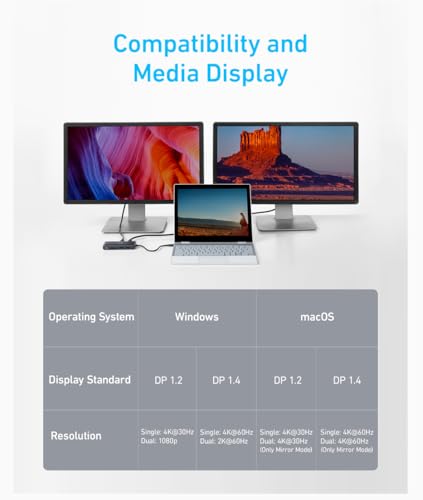
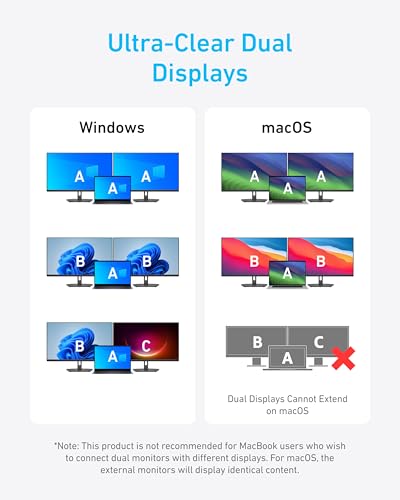
Note: Multi-Stream Transport (MST) is not supported on Mac laptops. Monitors connected via HDMI will mirror displays, showing the same image.
Determining Your DisplayPort (DP) Version:
The version of DP on your laptop, computer, or tablet directly determines the actual resolution when connecting to external monitors using the Anker hub. There are three simple ways to find out which version of DP your device has.
1. Ask your device manufacturer or seller directly.
2. If you’re using a Windows device, you can tell which version of DP you have by checking your CPU generation.
DP version 1.2 if your CPU is Intel generation 10 or earlier.
DP version 1.4 if your CPU is Intel generation 11 or later.
DP version 1.4 if you’re using a workstation laptop with an NVIDIA GPU.
Don’t know how to find your CPU generation? Simply go to This PC (or My Computer) > Properties and look for the number (shown in bold and underlined below):
Processer: Intel(R) Core i7-8850H CPU @ 2.60GHz 2.59Ghz
3. If you’re using a MacBook, iMac, or iPad, you can find your DP version from the list below:
DP 1.4:
iPad Pro 11-inch, iPad Pro 12.9-inch (3rd generation and later), MacBook Pro (16-inch, 2019), MacBook Pro (15-inch, 2017 and later), MacBook Pro (13-inch, 4 Thunderbolt 3 ports, 2020), MacBook Air (2020), MacBook Air (13-inch, M1, 2020), MacBook Pro (13-inch, M1, 2020), MacBook Pro (14-inch, 2021), MacBook Pro (16-inch, 2021), iMac (Retina 5K, 27-inch, 2017 and later), iMac (Retina 4K, 21.5-inch, 2017 and later), and iMac Pro (2017 and later)
DP 1.2:
iPad Air (4th generation), MacBook Air (2018 and later), MacBook Pro (13-inch, 2016 and later), MacBook Pro (15-inch, 2016), iMac (non-Retina, 21.5‑inch, 2017), and Mac mini (2018)
Model Number:
A8380
PowerExpand
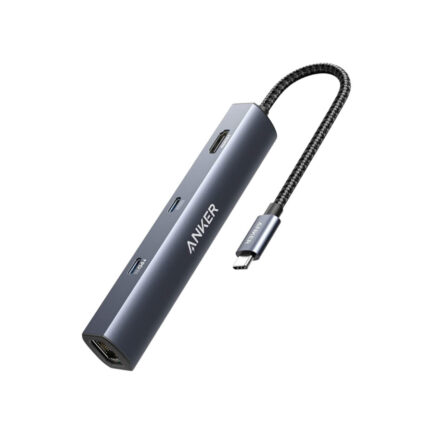
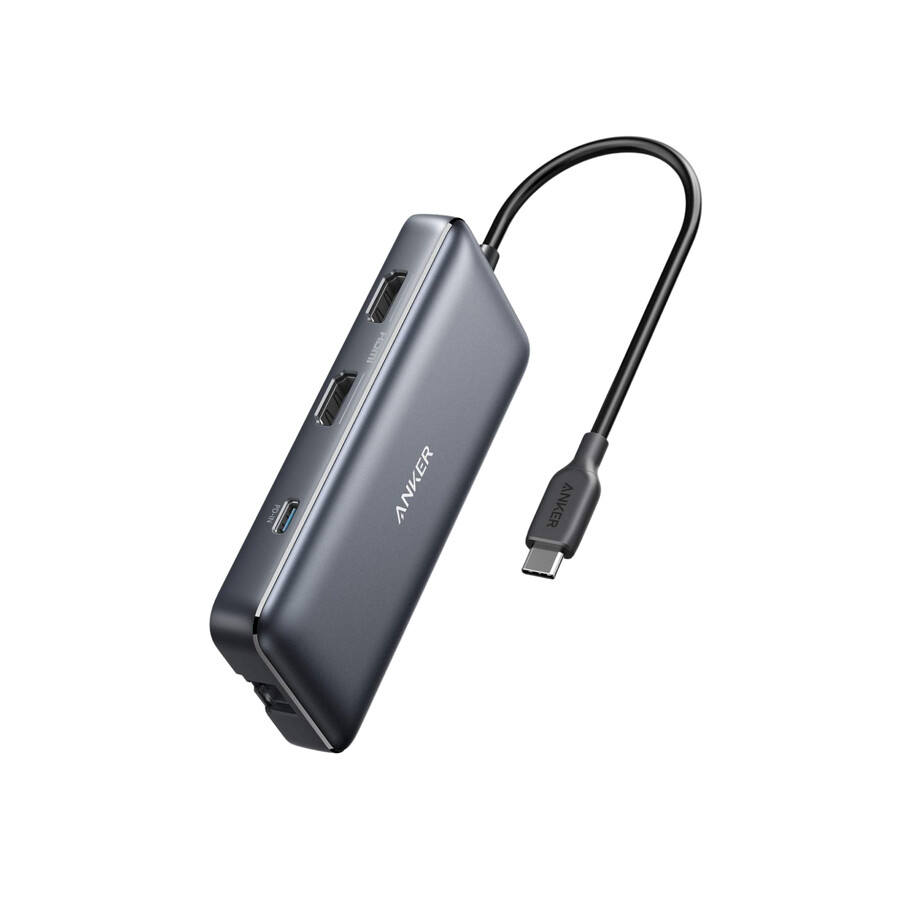
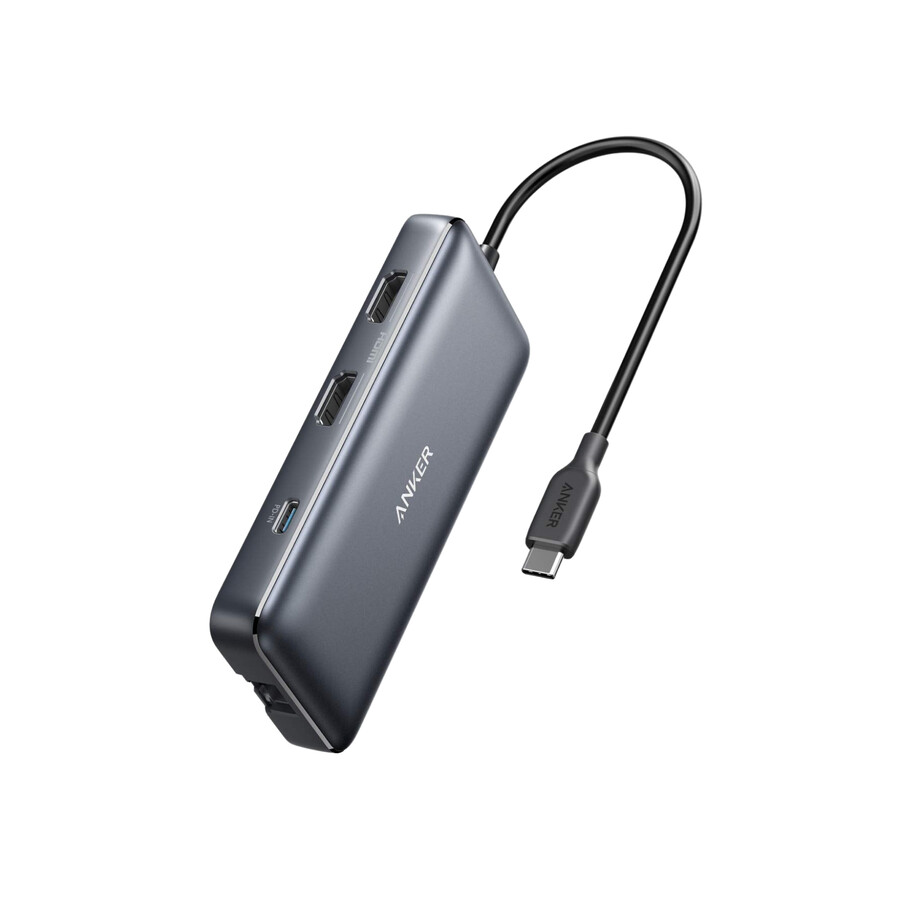
8-in-1 USB-C PD Media Hub ; The Power Delivery, Data Transfer, and Dual-Display Media Hub
All The Ports You Need
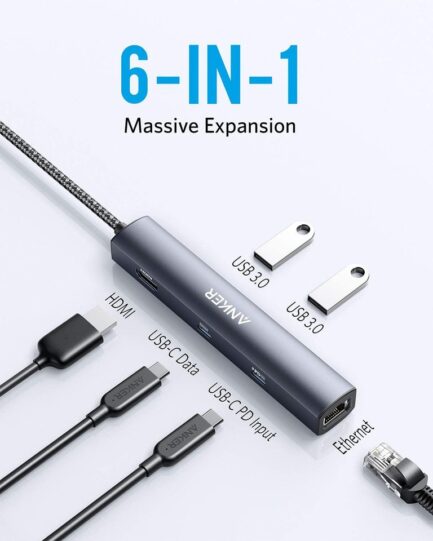
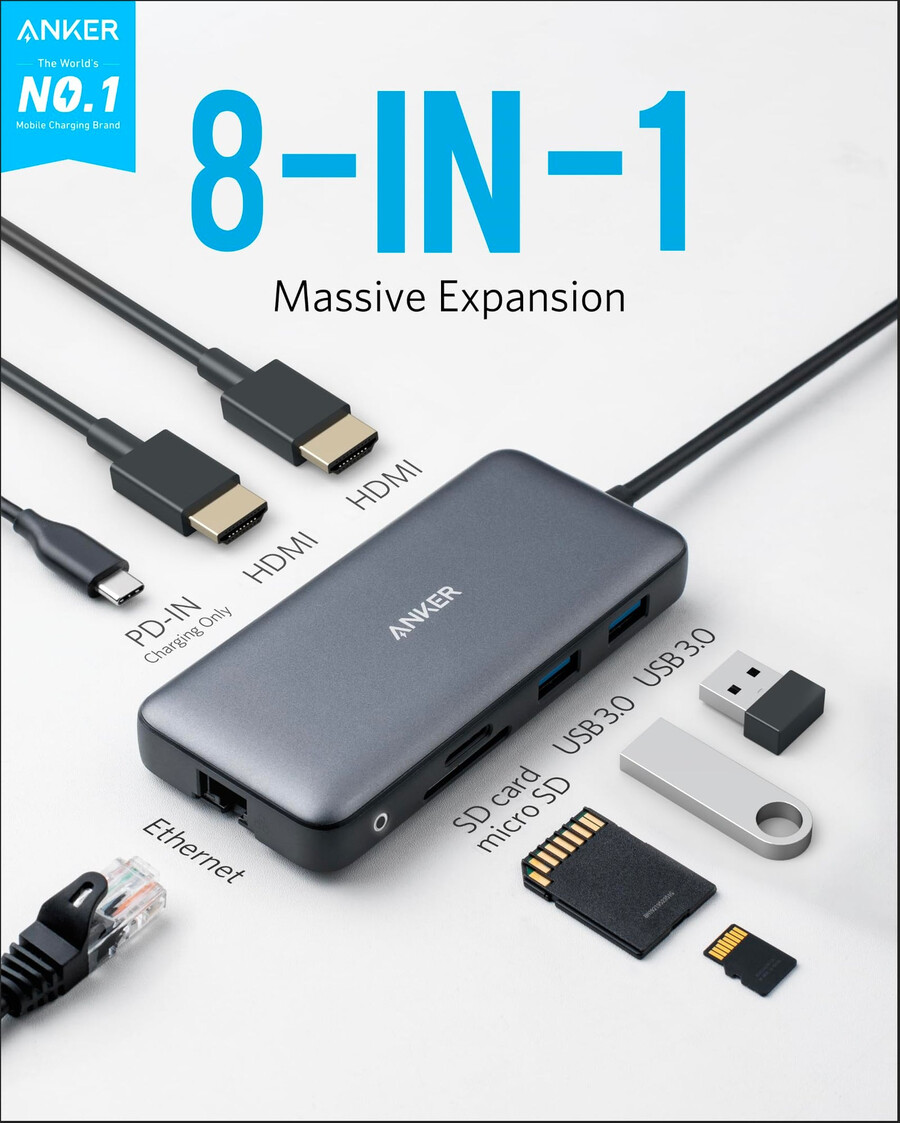
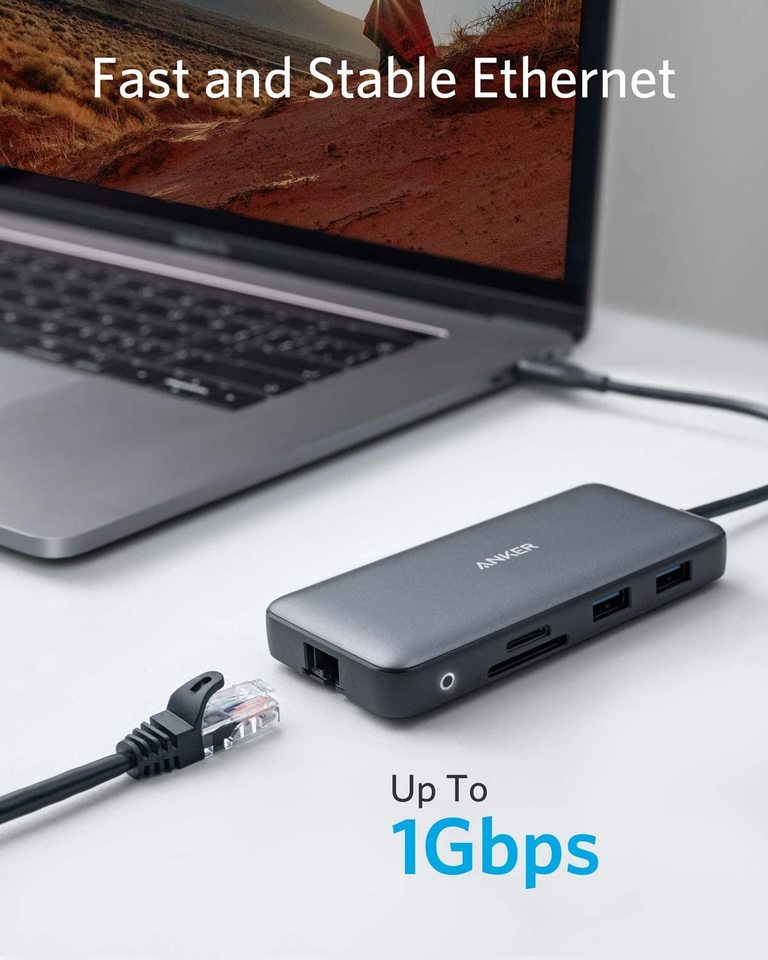
Turn your device’s USB-C port into 8 ports, allowing you to transfer data in seconds, stream media in unrivaled clarity, and provide high-speed pass-through charging.
Connect to Multiple Displays
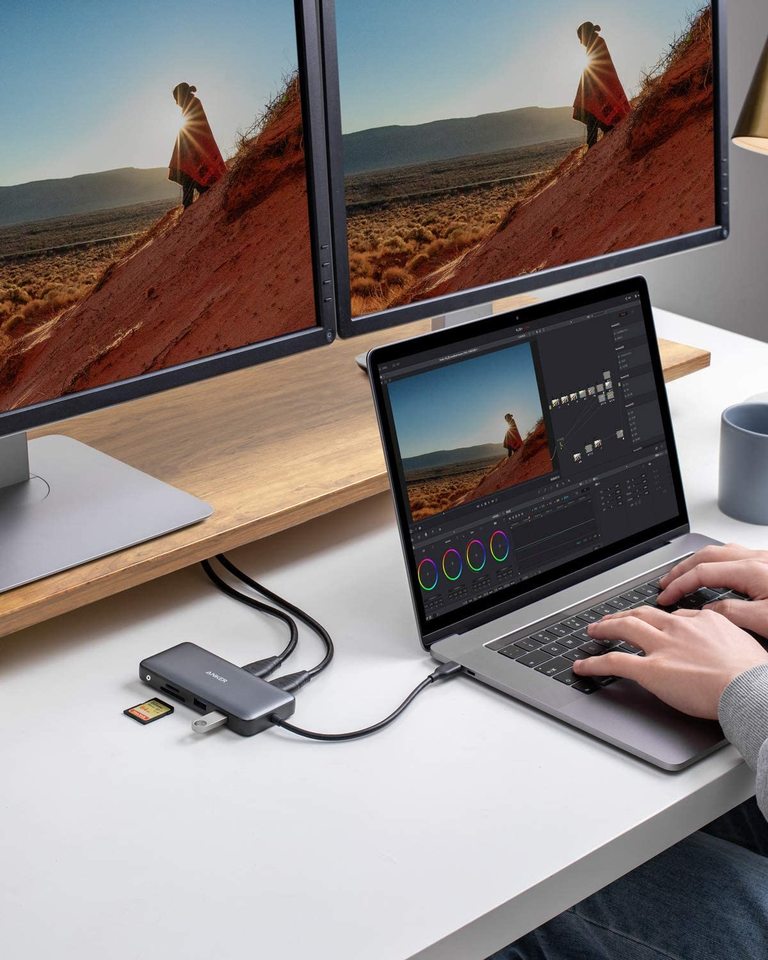
Don’t waste time switching back and forth between programs or documents, simply connect to multiple monitors via the dual HDMI ports for a simpler and more productive experience. Note: The Adopted Trademarks HDMI, HDMI High-Definition Multimedia Interface, and the HDMI Logo are trademarks or registered trademarks of HDMI Licensing Administrator, Inc. in the United States and other countries.
Power Delivery
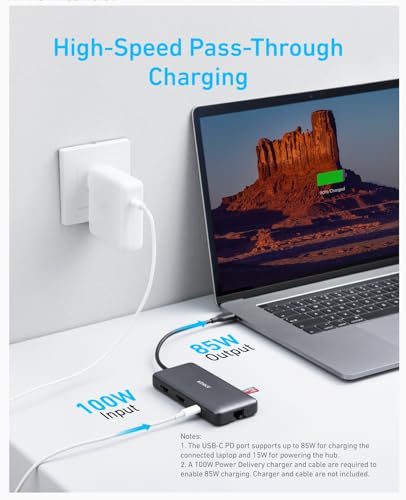
Supports up to 85W pass-through charging so you can power up a 15” MacBook Pro at full speed—all while accessing the hub’s other functions. Please note: 100W PD wall charger and USB-C to C cable required.
Transfer Files in Seconds
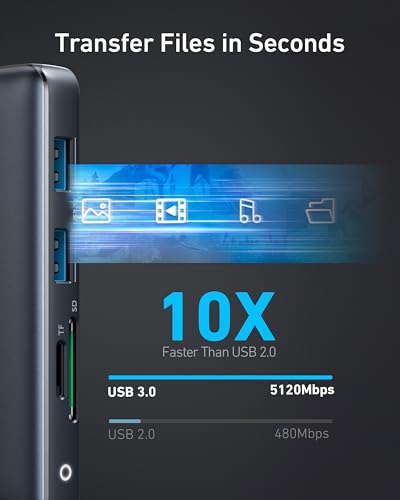
Transfer movies, photos, and music at speeds up to 5 Gbps via dual USB-A ports.
Compatibility
Universal SD Card Compatibility : The SD and microSD card slots support virtually all SD card formats for seamless access to photos and other media files.
Compatible Devices Include
MacBook Pro (2015 / 2016 / 2017 / 2018 / 2019 ) ; MacBook Air (2018 / 2019 / 2020) ; XPS (13 inch / 15 inch) ; Pixelbook (2017)
Incompatible Devices Include
Nintendo Switch ; USB SuperDrive ; Original XPS 13 stock adapter
Notes1
This hub can not support 4K@60Hz display with Surface Pro 7 / 930QCG / Spectre X360 laptops since they are not compatible with Display Stream Compression (DSC).
Notes 2
To display content, the connected device must support DP Alt Mode.
Notes 3
Multi-Stream Transport (MST) is not supported on Mac laptops. Monitors connected via HDMI will mirror displays, showing the same image.
- SKU: A83800A1