Free shipping and returns on all orders above

Key Features
300W Total Output Power
Offers 300W max output across two USB-C and one USB-A port, keeping two MacBook Pros running at full speed.
140W Max Fast Charging
Delivers up to 140W high-speed output for fast laptop charging when connected to a 5A cable. Power a MacBook Pro (M4 Pro) to 50% in 27 minutes or an iPhone 16 Pro to 50% in 26 minutes.
Recharge at Top Speed
Anker’s first power bank to support 250W max of input power using both USB-C ports. Recharge to 100% faster than ever, making it ideal for high-use, fast-turnaround situations.
Huge Power That’s Ready to Fly
Delivers 26,250mAh (99.75Wh) of TSA-approved capacity to charge a MacBook Pro (M4) up to 0.8 times.
Smart Display and App Control
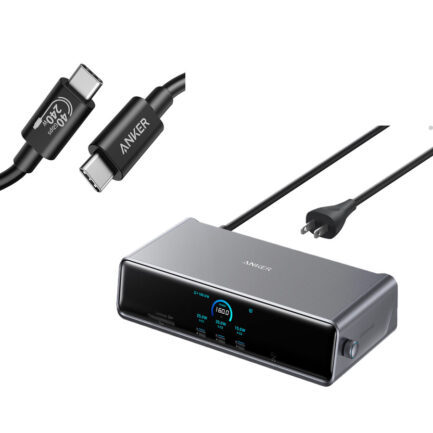
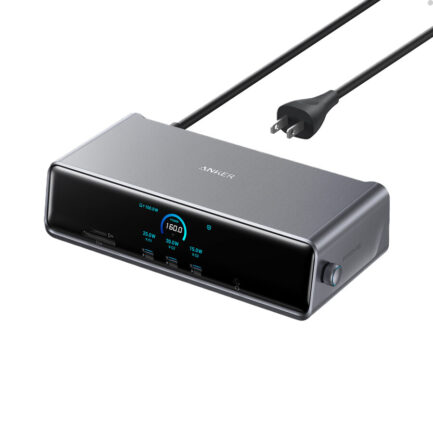
Provides detailed charging information of the power bank and charging base, and allows manual adjustments of output power on the APP.
What You Get
Anker Prime Power Bank (26K, 300W), USB-C to USB-C charging cable, travel pouch, welcome guide, 24-month warranty, and our friendly customer service.
Note: Data based on internal lab testing. Actual performance may vary depending on specific conditions of use.
Model Number: A8388
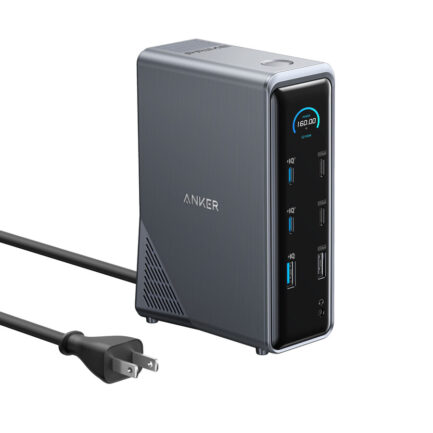
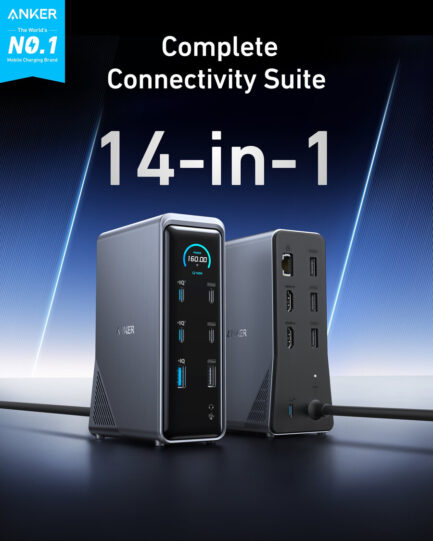
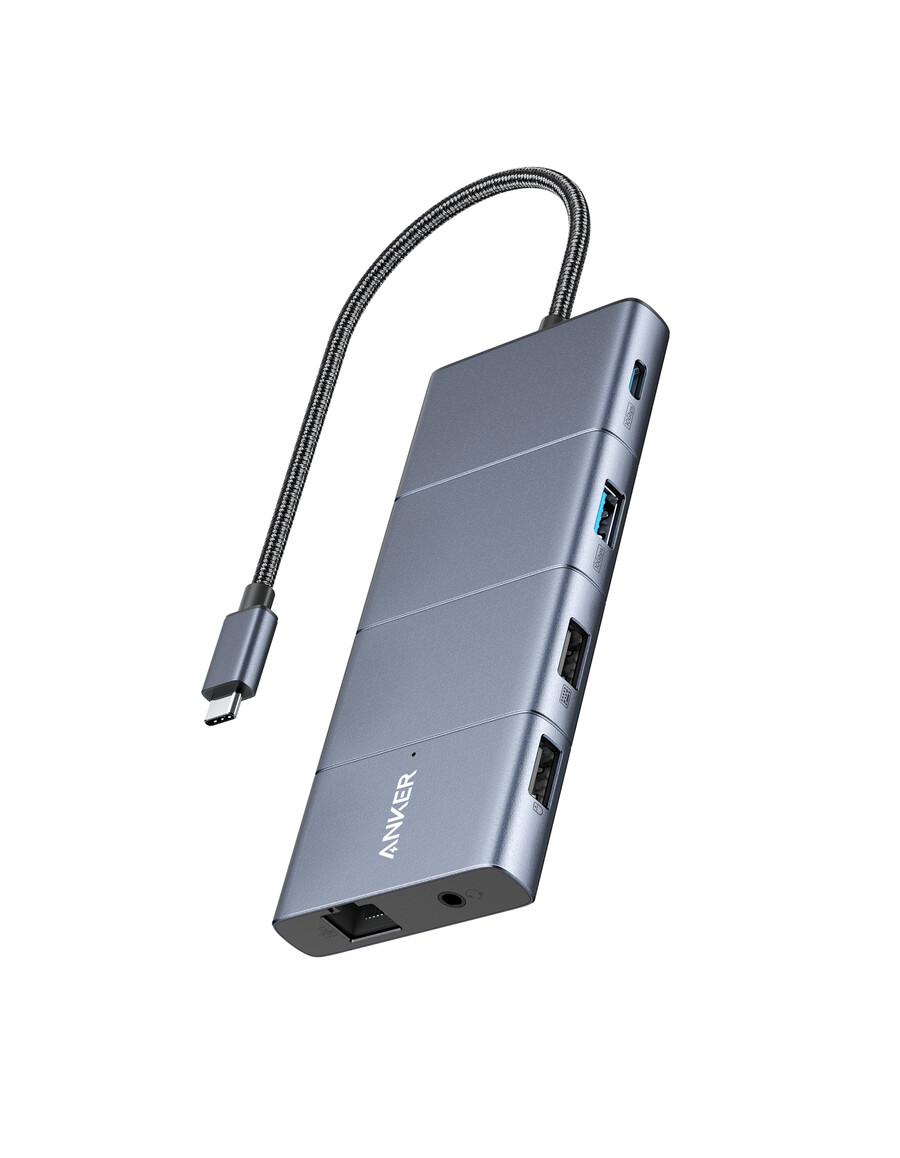
Anker 565 USB-C Hub (11-in-1) Give Your Laptop an Extra 11 Ports
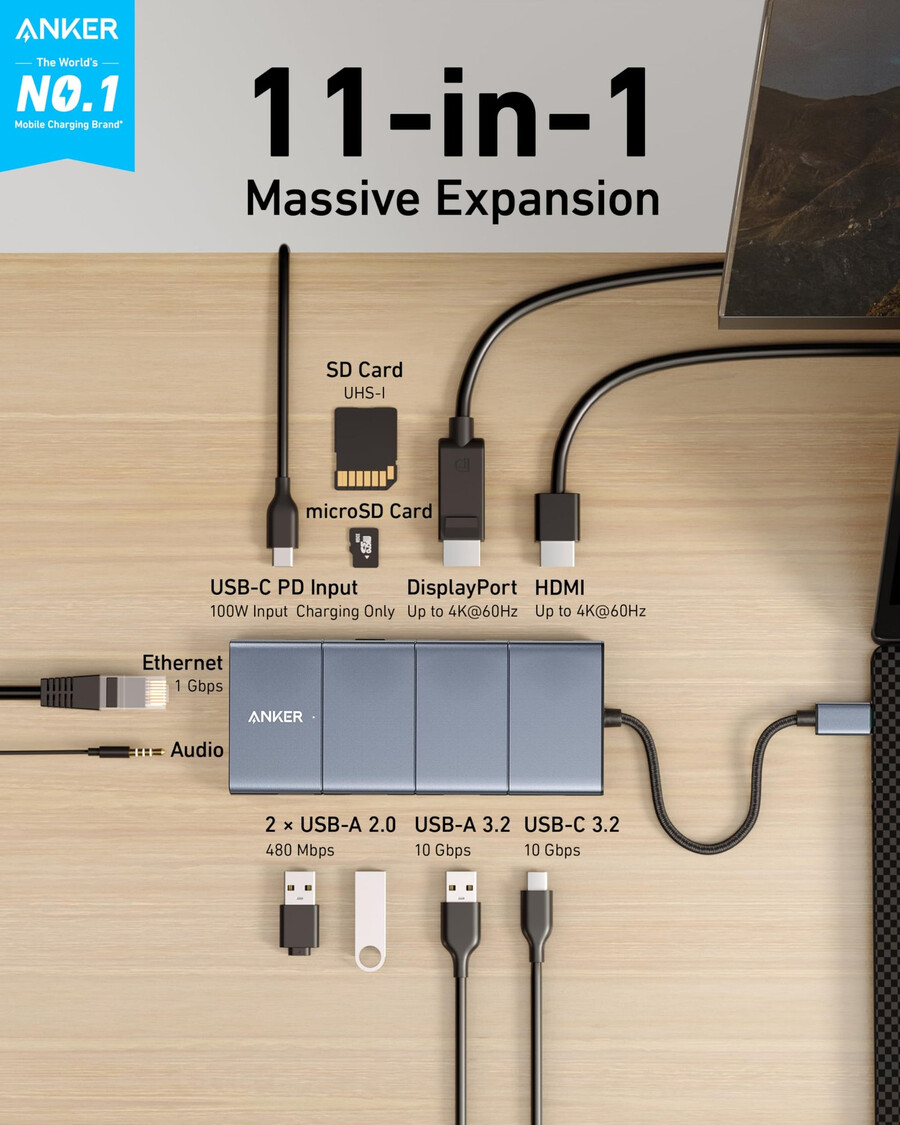
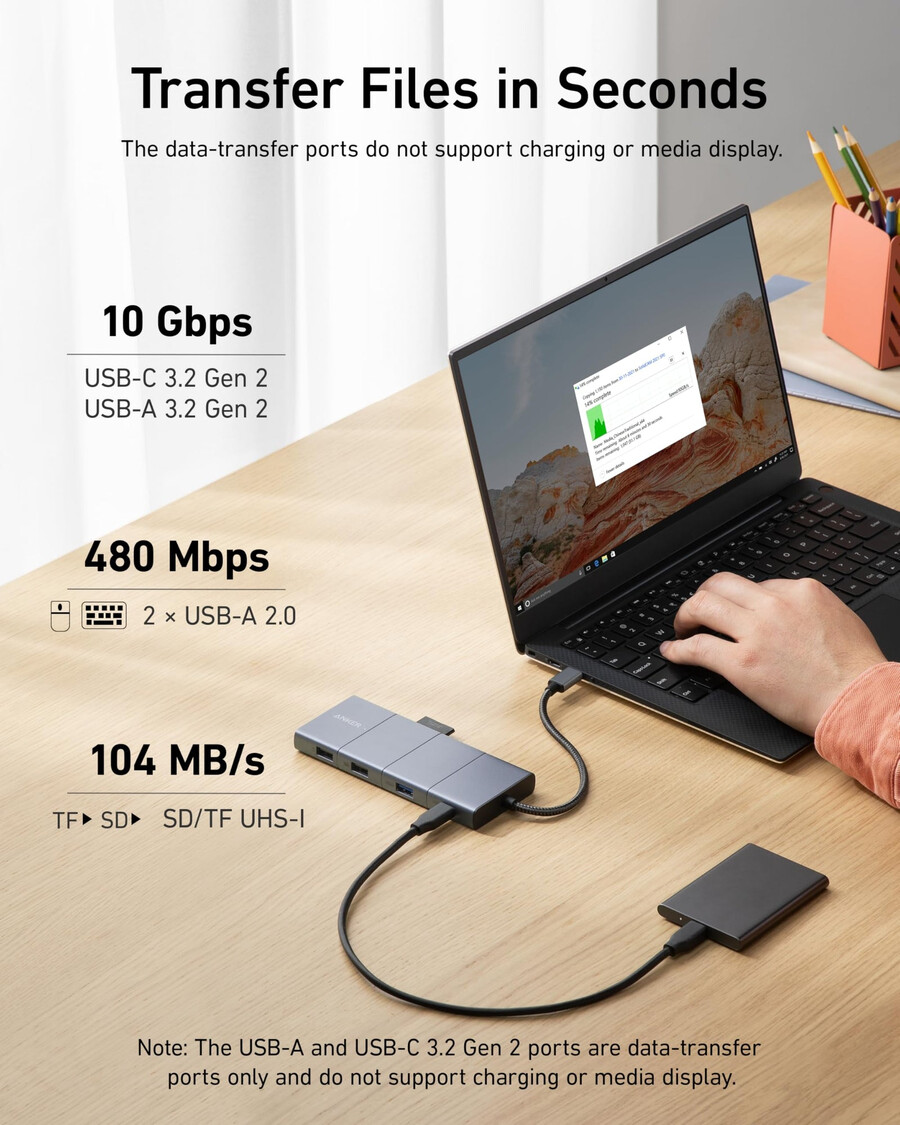
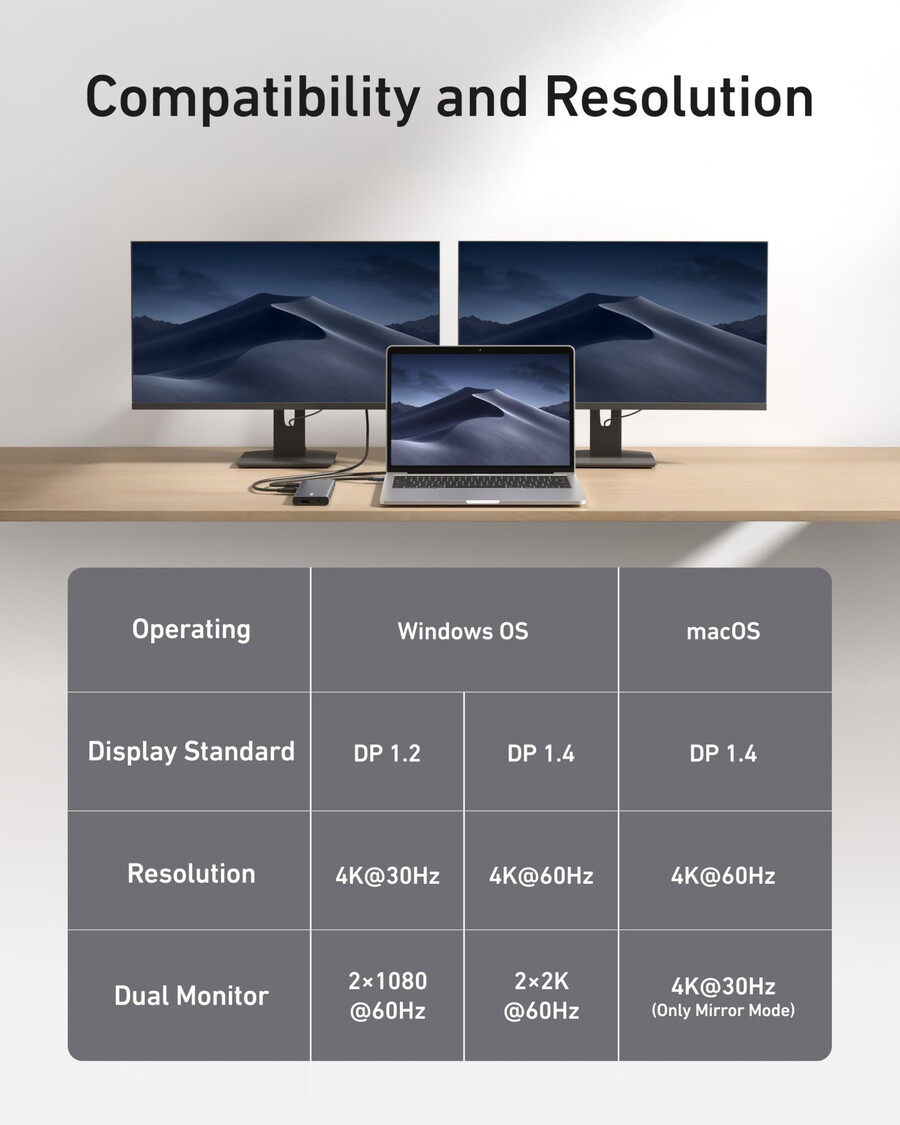
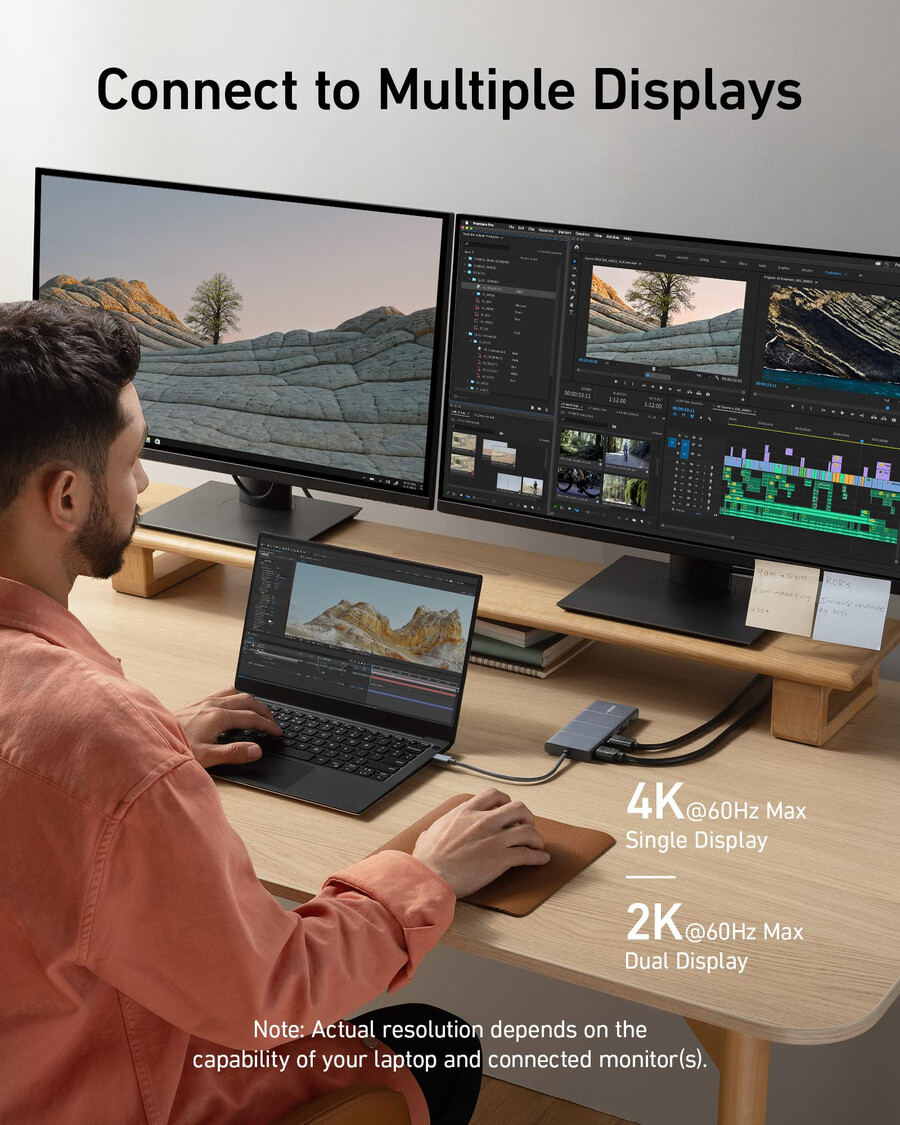
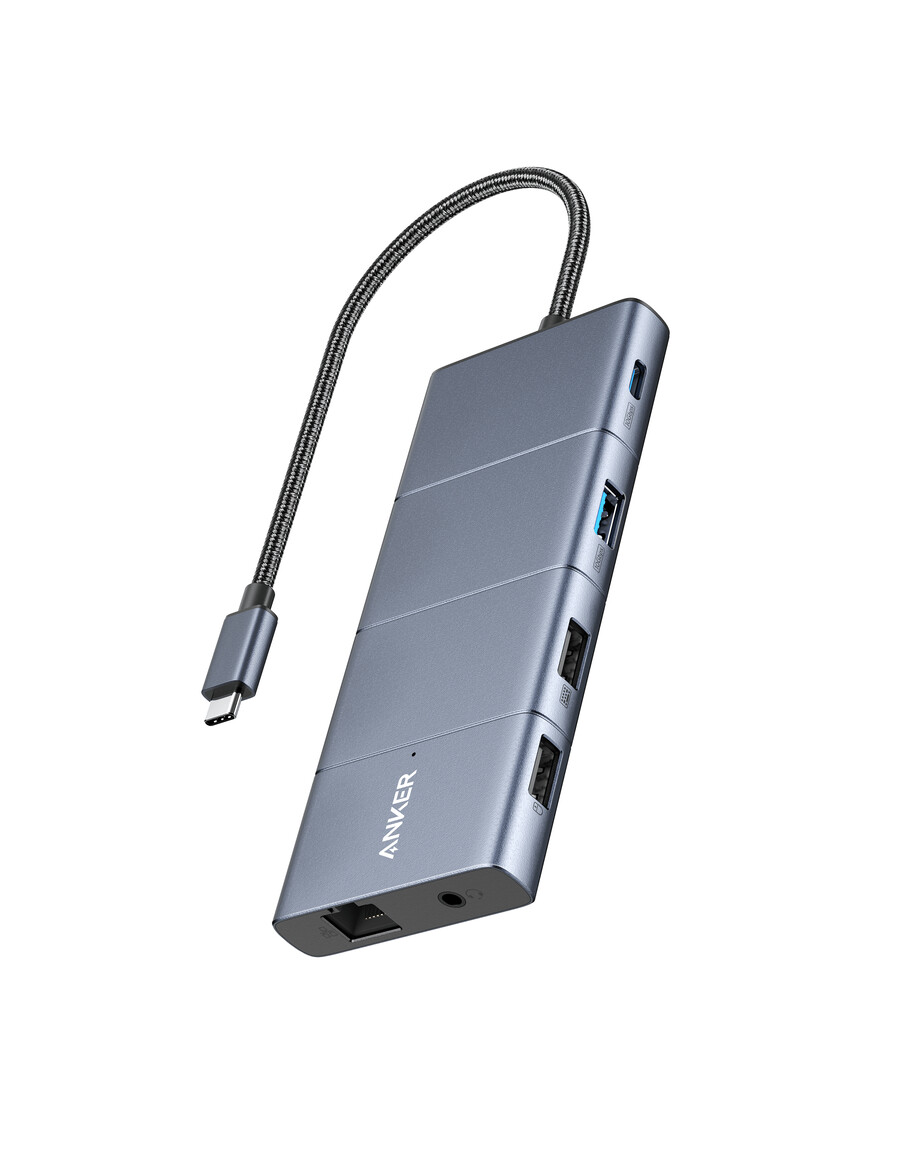
Expand Your Port Options: A total of 11 ports give you access to high-speed file transfer, powerful pass-through charging, dual-monitor display, USB connectivity, Ethernet, and audio connectivity—all from a single compact hub.
Note: The USB-A and USB-C ports with mouse, keyboard, and 10 Gbps icons are data-transfer ports only and do not support charging or media display.
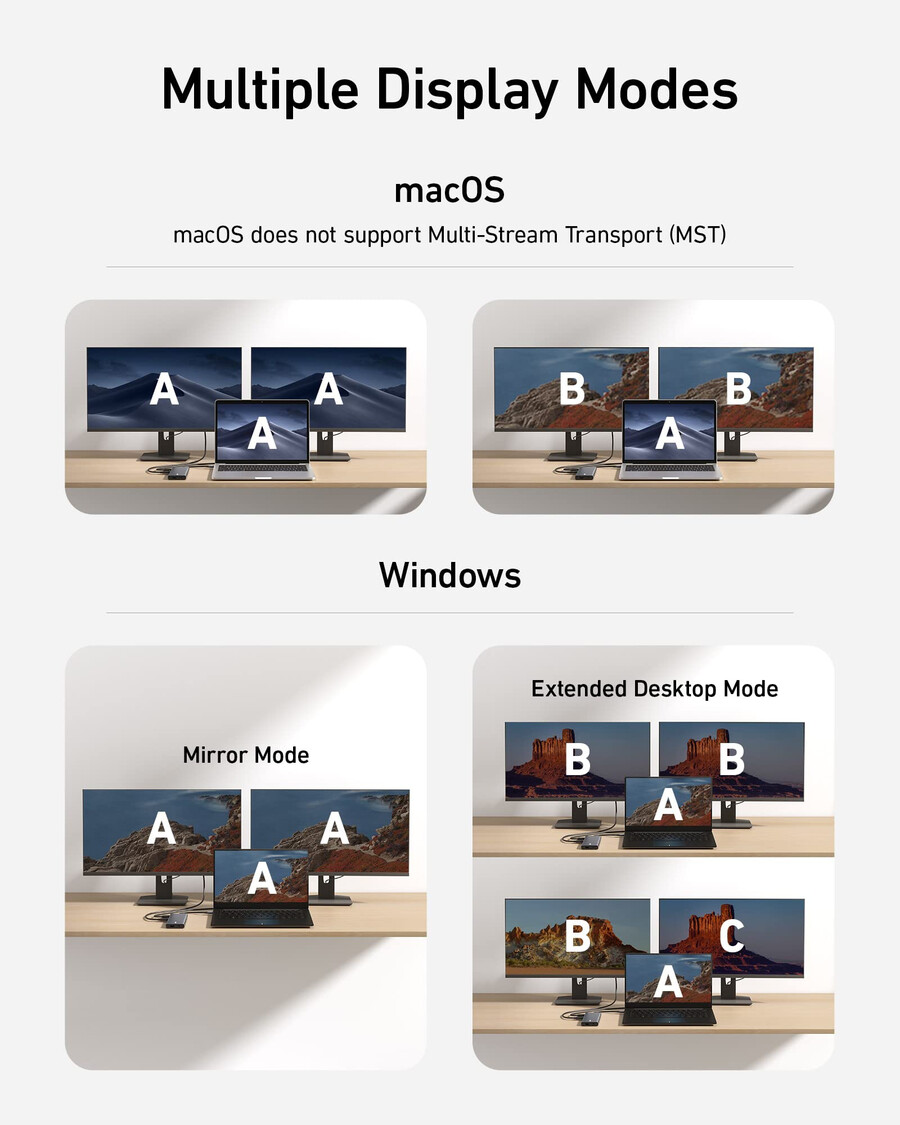
Supported Display Modes
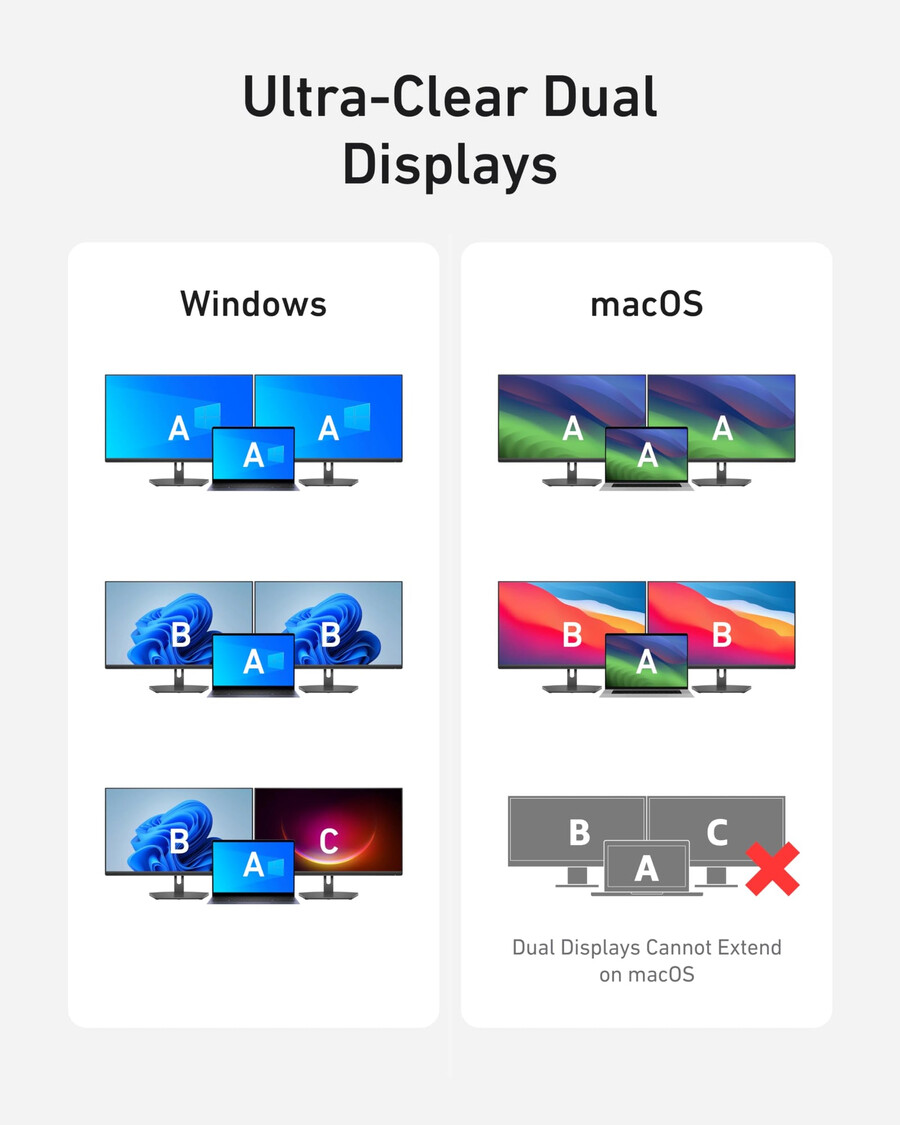
Only Windows laptops support displaying different content to multiple screens.
For Windows Laptops: 1. The two connected monitors and your laptop’s screen all display different content. 2. The two connected monitors show the same content, while your laptop’s screen shows something else. 3.The two connected monitors and your laptop’s screen all show the same content.
For MacBooks: 1.The two connected monitors show the same content, while your laptop’s screen shows something else.2.The two connected monitors and your laptop’s screen all display the same content.
Note:
1.Switching between display modes can be done in your laptop’s settings.
2. If you cannot detect the dock after updating to macOS Ventura, please follow these steps: Privacy & Security > Allow accessories to connect.
- SKU: A83880A1
- Model Number: A8388