Free shipping and returns on all orders above

Key Features
300W Total Output Power
Offers 300W max output across two USB-C and one USB-A port, keeping two MacBook Pros running at full speed.
140W Max Fast Charging
Delivers up to 140W high-speed output for fast laptop charging when connected to a 5A cable. Power a MacBook Pro (M4 Pro) to 50% in 27 minutes or an iPhone 16 Pro to 50% in 26 minutes.
Recharge at Top Speed
Anker’s first power bank to support 250W max of input power using both USB-C ports. Recharge to 100% faster than ever, making it ideal for high-use, fast-turnaround situations.
Huge Power That’s Ready to Fly
Delivers 26,250mAh (99.75Wh) of TSA-approved capacity to charge a MacBook Pro (M4) up to 0.8 times.
Smart Display and App Control
Provides detailed charging information of the power bank and charging base, and allows manual adjustments of output power on the APP.
What You Get
Anker Prime Power Bank (26K, 300W), USB-C to USB-C charging cable, travel pouch, welcome guide, 24-month warranty, and our friendly customer service.
Note: Data based on internal lab testing. Actual performance may vary depending on specific conditions of use.
Frequently Asked Questions:
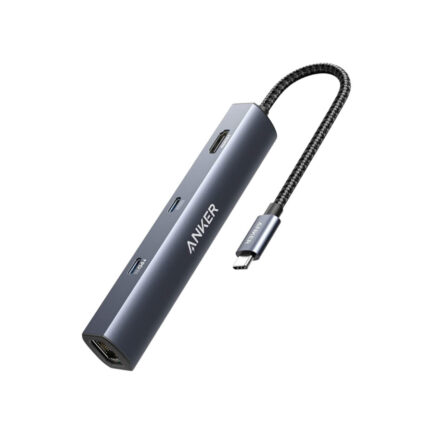
Q1: Will this dock work with any laptop? How do I make sure my laptop works with this dock?
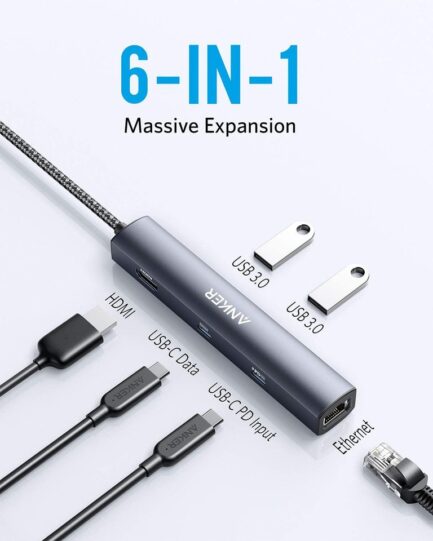
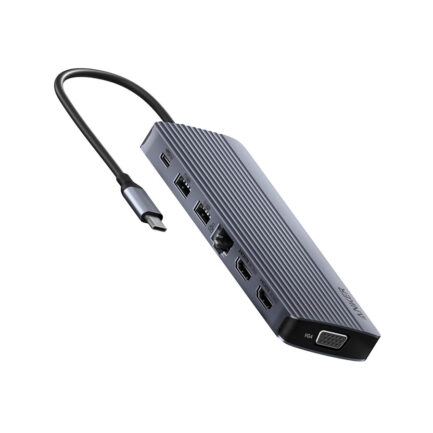
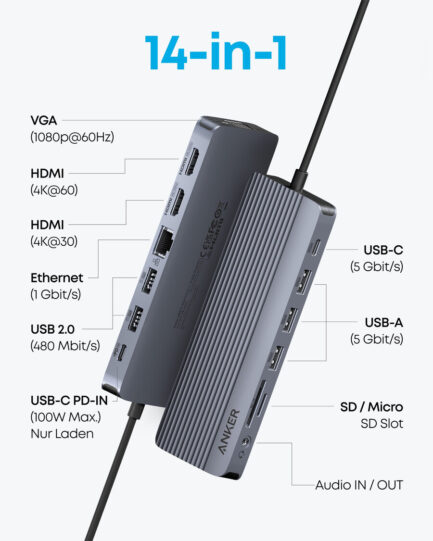
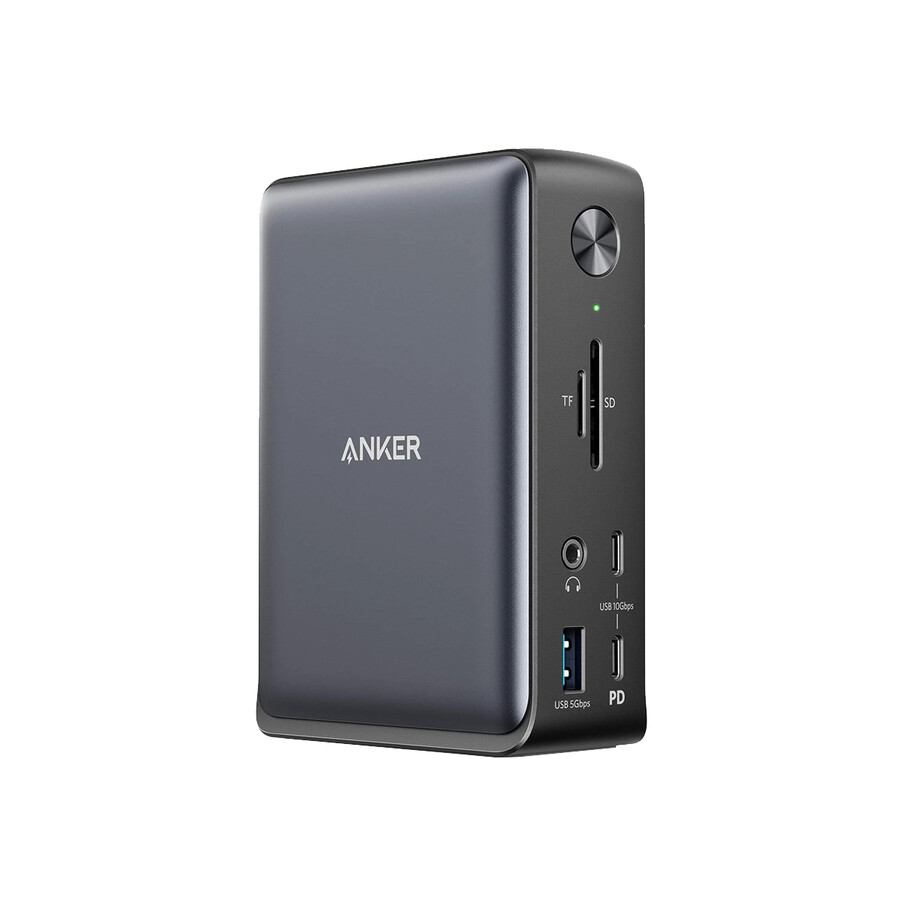
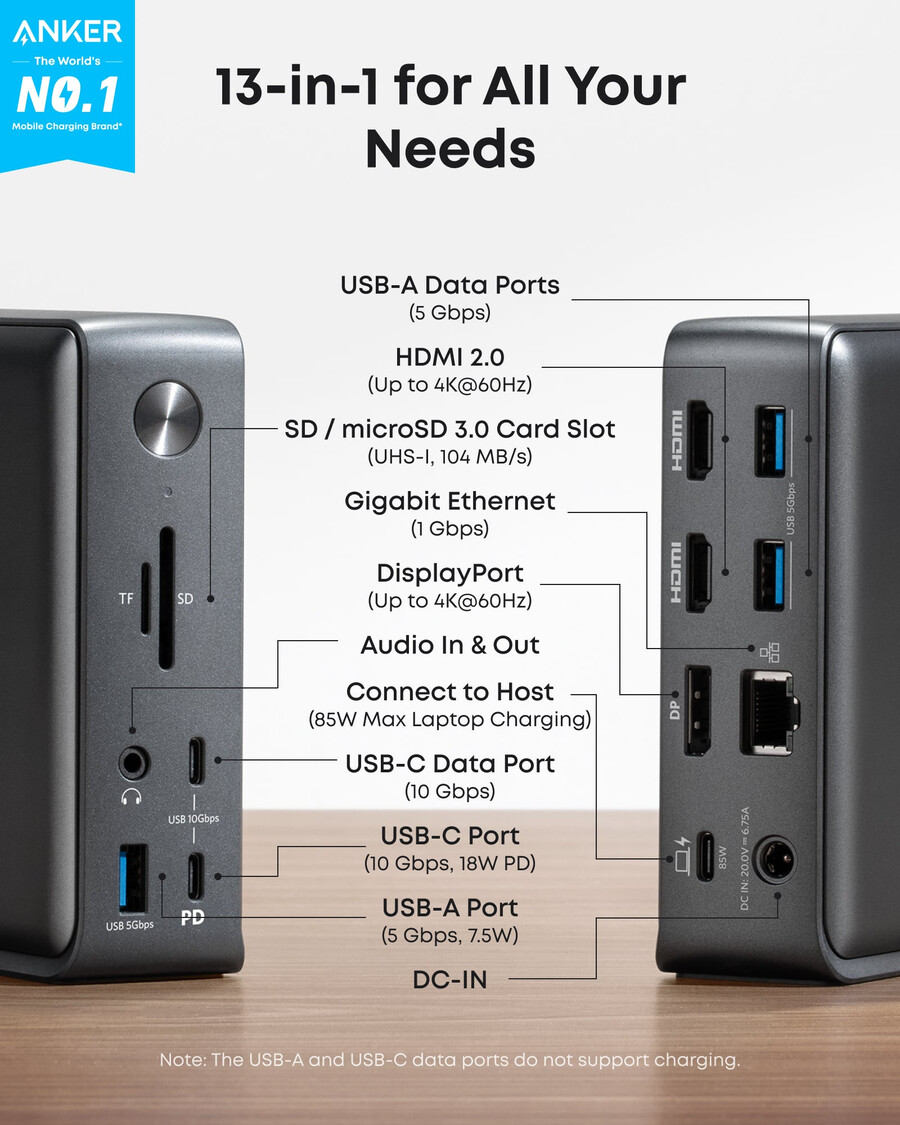
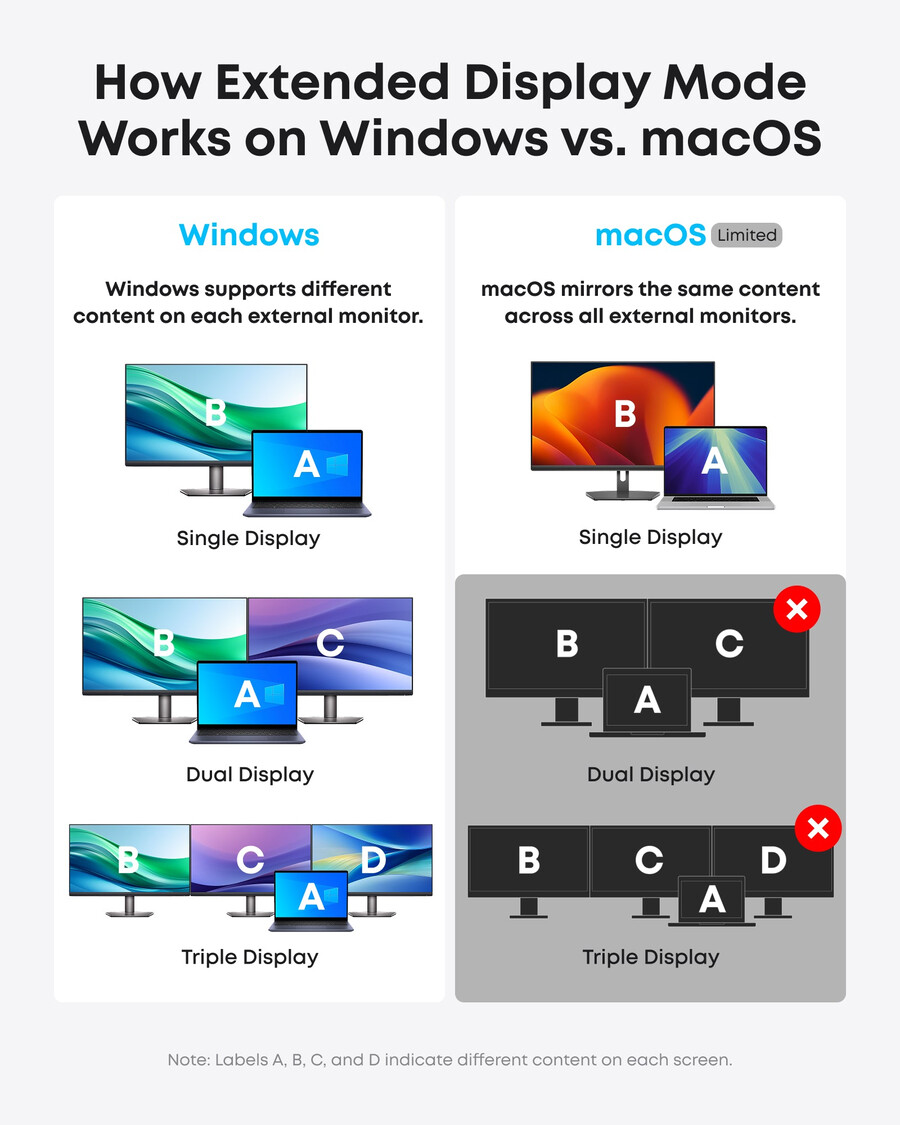
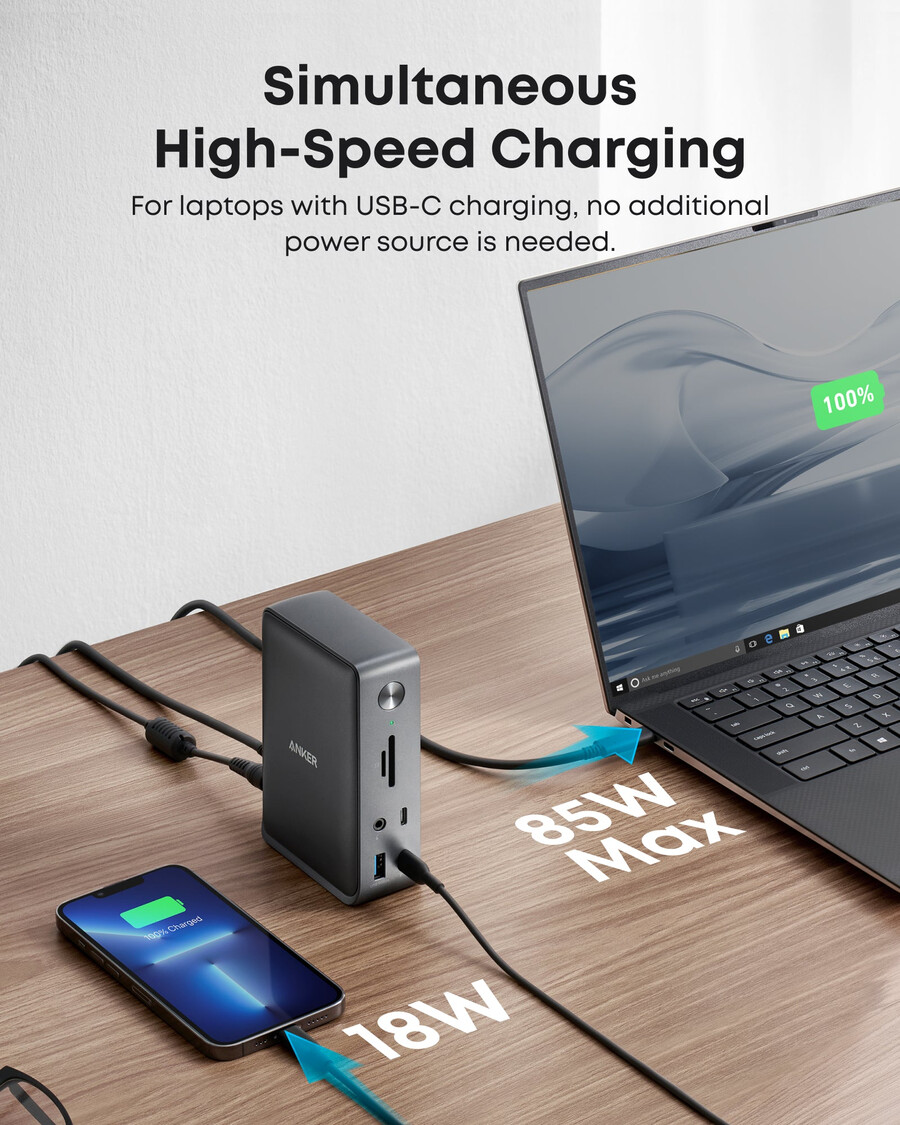
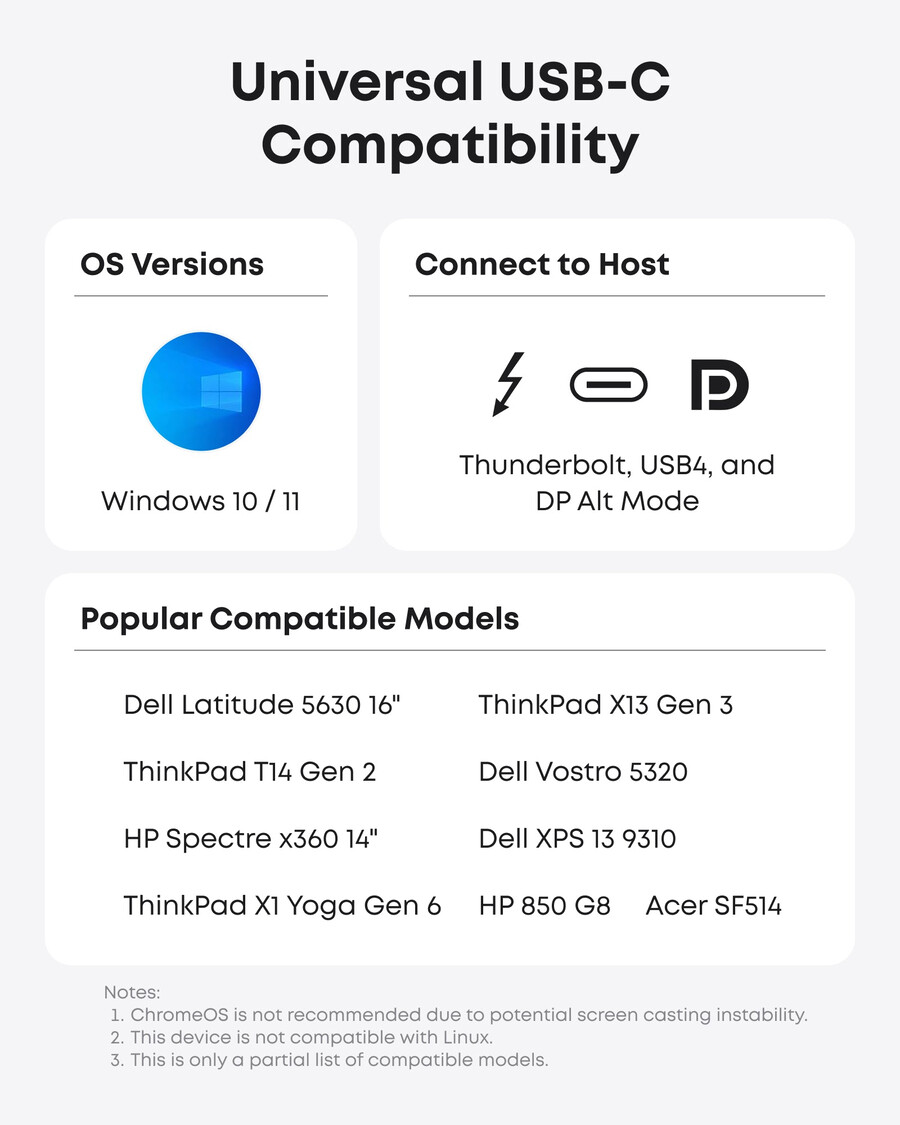
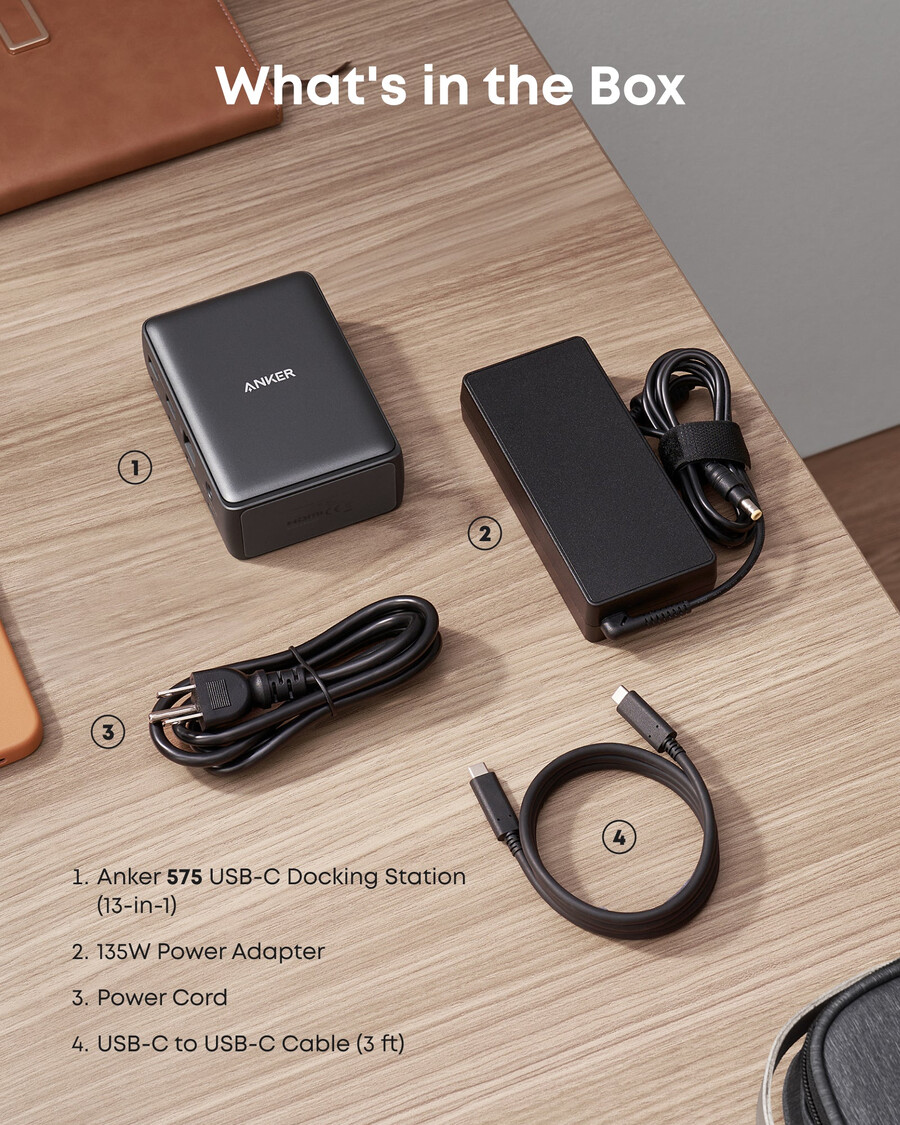
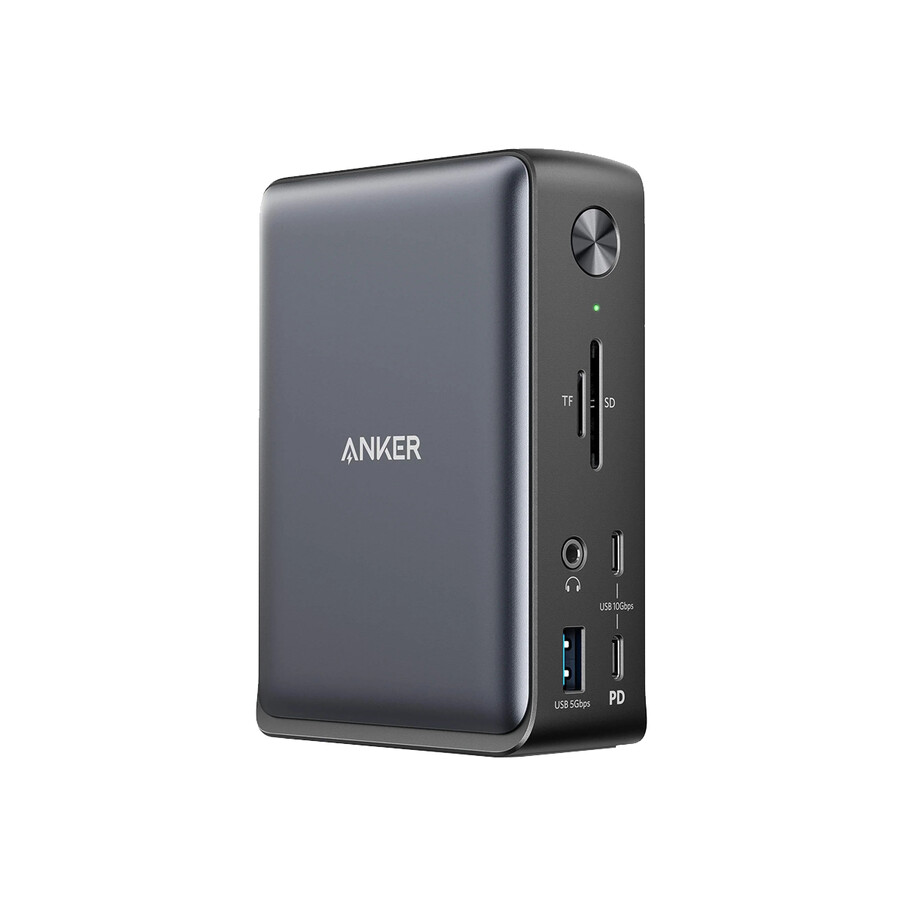
A: This dock works with laptops with a USB-C port that supports DisplayPort Alt Mode and Power Delivery. To confirm the USB-C port function of your laptop, consult your user manual or contact your laptop’s manufacturer. If your USB-C port doesn’t support DisplayPort Alt Mode, you won’t receive video output. If your USB-C port doesn’t support Power Delivery, the dock will work correctly with video and data (including audio and Ethernet), but would not be able to supply charging to your laptop.
Q2: Can I use my own USB-C cable to connect the dock to my laptop?
A: It’s recommended that you use the included 3 ft USB-C cable. If you need to use a different cable (due to loss etc.), then any other USB-C cable with support for USB 3.1 Gen 2 and 85W Power Delivery would also be compatible.
Q3: Do I need to install any drivers to use the dock?
A: No.
Q4: Is this dock compatible with computers that have a Thunderbolt 3 port?
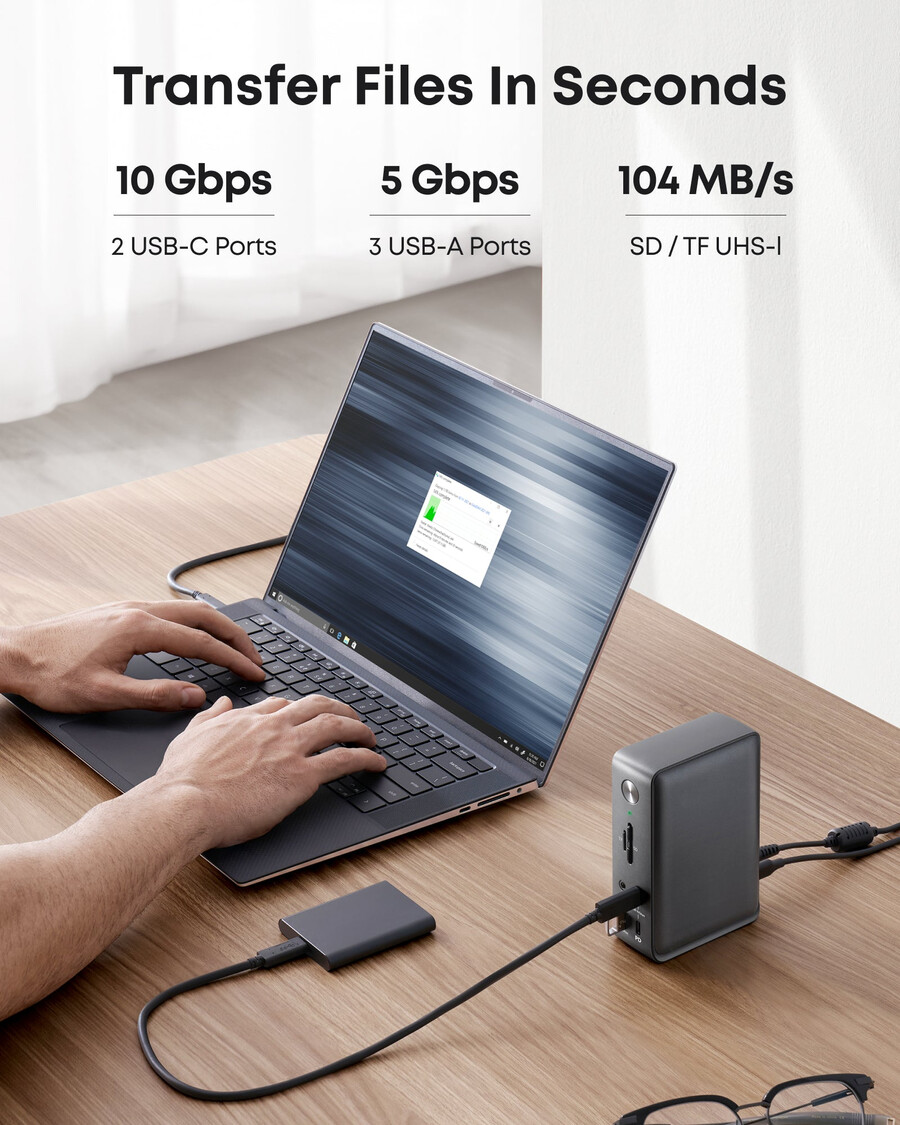
A: Yes, however, it can only deliver a maximum bandwidth of 10Gbps, so it cannot not reach the maximum bandwidth of Thunderbolt 3 (40Gbps).
Q5: Sometimes the dock doesn’t automatically reconnect after I wake up or restart my laptop. What should I do?
A: This situation doesn’t happen very often, but if you are having this problem, try disconnecting and reconnecting the USB-C cable or restarting the dock.
*This product does not use post-consumer recycled materials or bio-based materials.
- SKU: A83921A1